
With the policy number and the main insured's date of birth, the payment form shows what is pending and gives the link to pay it, or offers a renewal when one is due.
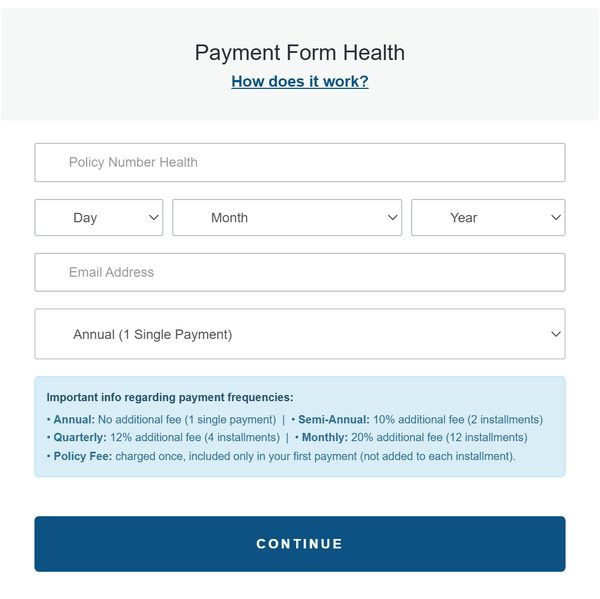
Start with the policy number and date of birth, chosen in the Day, Month and Year lists. The other fields adjust depending on the result.
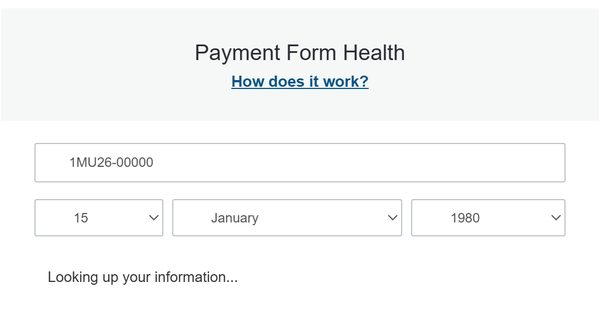
Nothing else is shown while it looks up the policy; the result appears in a few seconds.
Depending on the policy, the page shows one of these five answers.
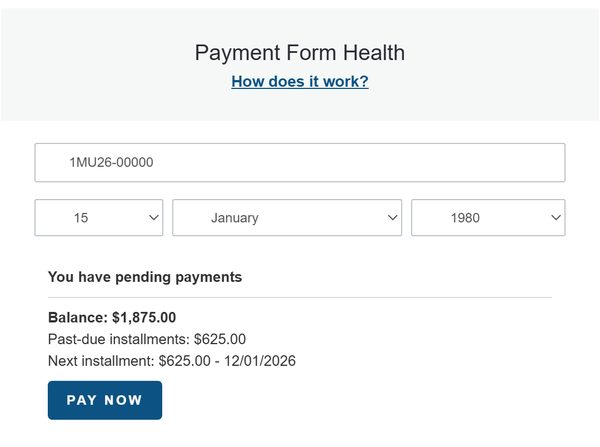
Shows the balance, past-due installments and next installment. The "Pay now" button goes to the invoice. A renewal is not offered while a payment is pending.
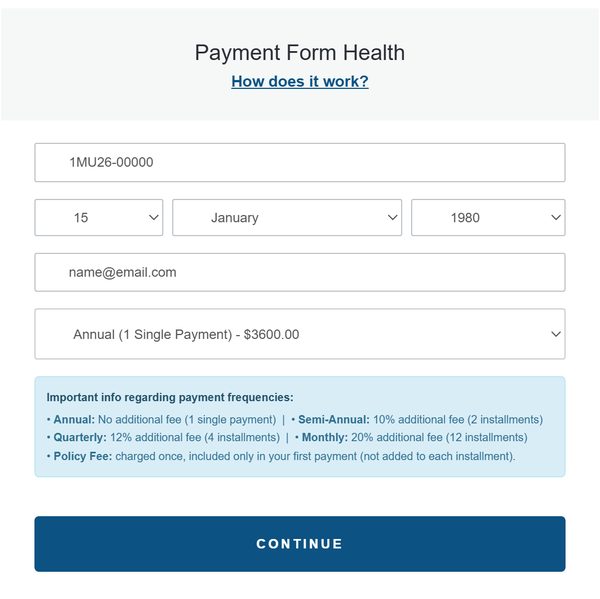
If nothing is owed and the policy is due to renew, the email and payment frequency are requested, and you continue with the "Continue" button.
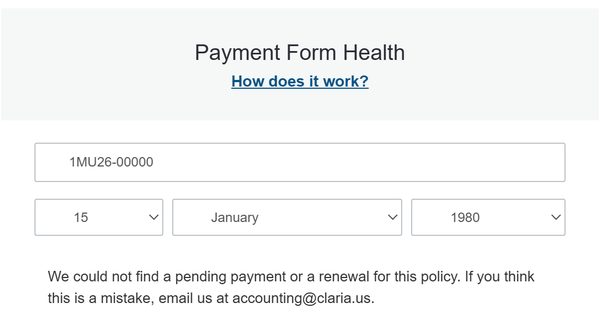
The policy has no pending payment and no renewal. If you think this is a mistake, email accounting@claria.us.
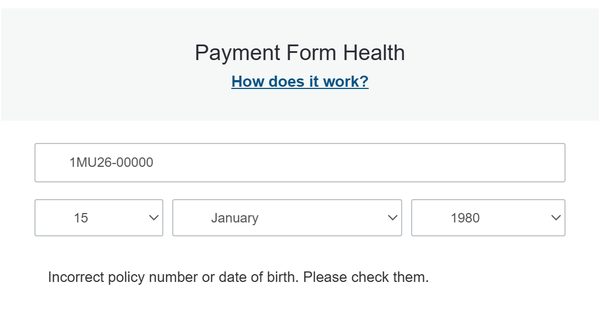
If the policy number or the date of birth is not correct, the page says so right away. Check the number and choose the day, month and year again.
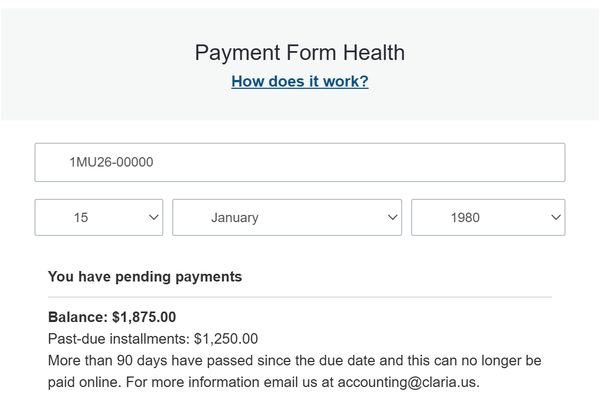
After 90 days past the due date it can no longer be paid online. The balance is shown, with no payment button. Email accounting@claria.us.
Screenshots use sample data. No policy or amount belongs to a real client.